 Eisenhour
Guides
How to do things in Eisenhour
Six short guides, each with a real screenshot for every step. They were captured in the app with an invented person's tasks, so every name in them is made up. Anything that needs Pro is marked (Pro).
-
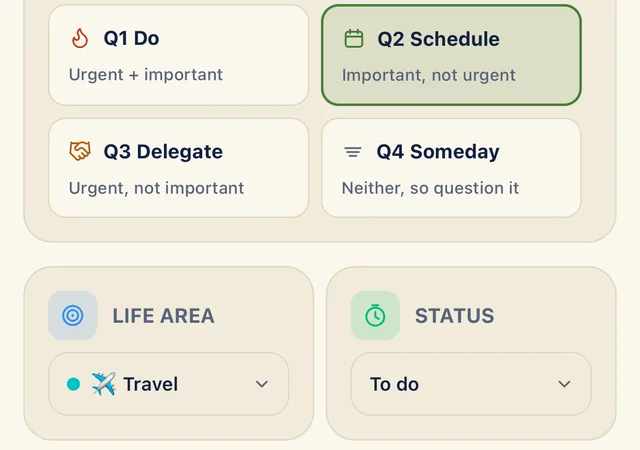
Sort your first task
Capture a task, open it from the Inbox and give it a quadrant and a life area.
-
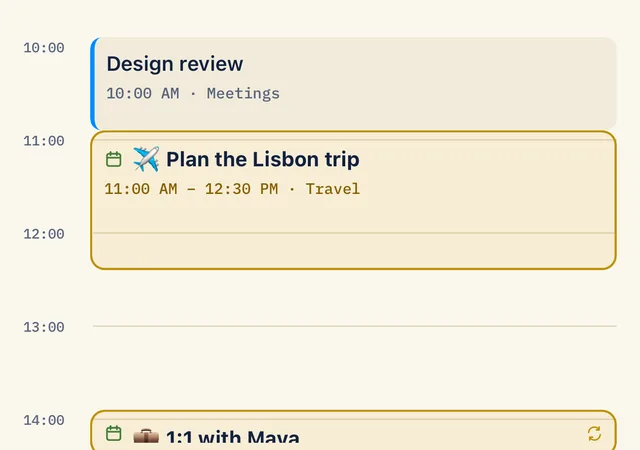
Give a task an hour
Turn a sorted task into a time block and find it beside your phone's own calendars.
-
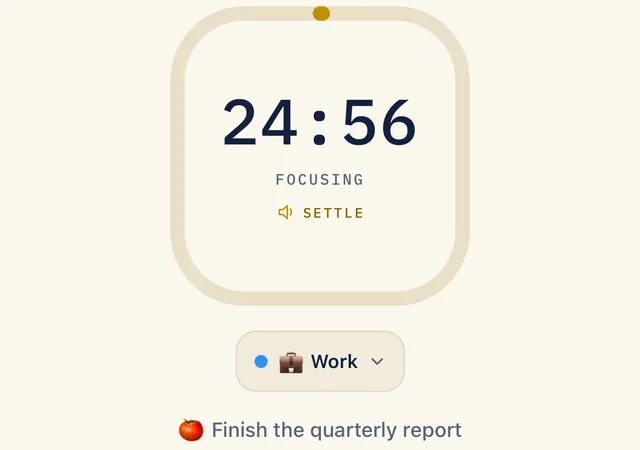
Run a focus session and log your time
Start the timer on a task, credit a life area and log time you forgot to track.
-
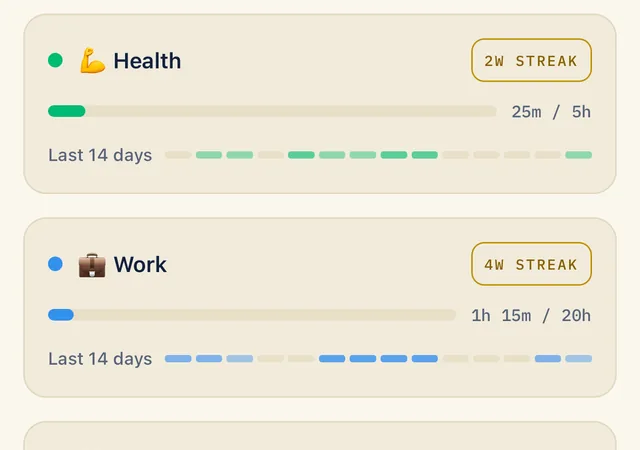
Set up your life areas
Give each part of your life a weekly target, edit it and add an area of your own.
-
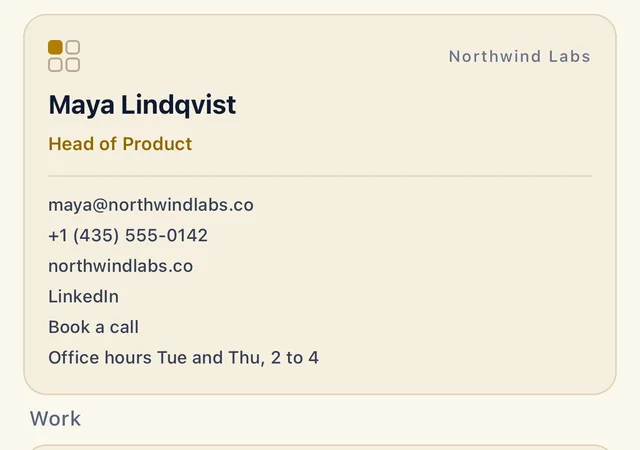
Make and share a business card
Build a card with your details and links, then share it as an image or a PDF with tappable links.
-
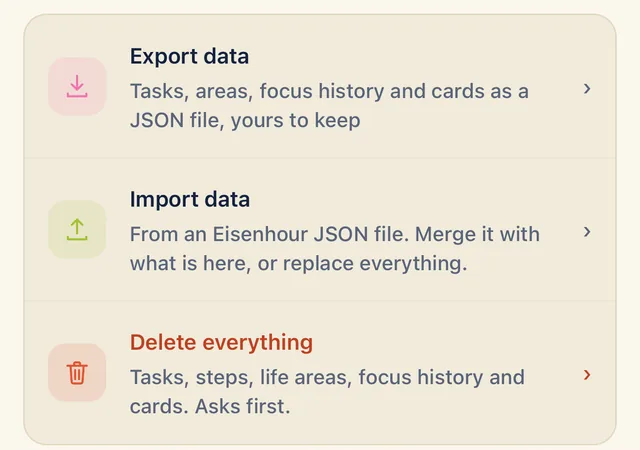
Back up your data and move to a new phone
Export everything to one file, then bring it into a new phone with Merge or Replace.